I have been experiencing the game freezing for about 10 seconds, seemingly at random times. Sometimes during a fight, sometimes when I am alone on the screen, sometimes in town with several people around. It isn’t when traversing and loading in new areas. I was in a boss fight earlier today and it froze for 10 seconds, causing me to die. I’m on pc. I did just replace my GPU the other day, but I was having the same issue with my previous GPU (7800XT) as well.
specs: 7800X3D, 9070XT, 32 GB of 6000DDR5, 4k/2k@60
I have tried to lower res, and turned off VSYNC as I saw someone else who had a similar issue said to try. I’ve turned off dynamic res, bloom, blur, etc etc. Nothing seems to stop the issue. I’ve updated Windows, drivers including DDU when replacing my GPU a few days ago.
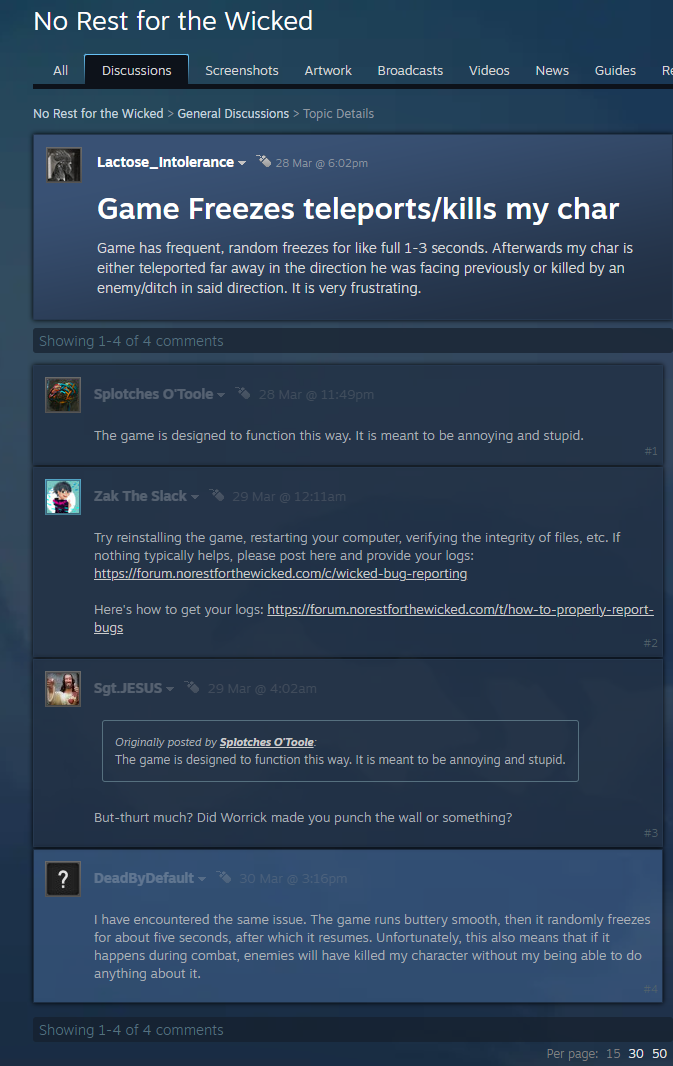
Game has frequent, random freezes for like full 1-3 seconds. Afterwards my char is either teleported far away in the direction he was facing previously or killed by an enemy/ditch in said direction. It is very frustrating. Outside of those frustrating bugs the game runs buttery smooth. Those freezes are -like I said- randomly and can happen either at the first second of the gaming session or at any moment. Here you will find the necessary logs (link will expire on 8th of April 2025): Unique Download Link | WeTransfer
Picture cannot be taken therefore one of my previous post on the steamforums.
Did not have this problem until i came back to this game after a few months of a break. Loving the game by the way, this protject is exiting and im LOOOViNG it.
No thinking just smashing enemies and fancy barrels!
It used to do that for me also be then I noticed that the game was in window mode. I switched to full screen exclusive and I don’t think I got a freeze yet! Hope this help!
Hi Devs, I also suffer from optimization problems, I attach my logs. (30gg from now to to expire the link)
I played at the release and all in all I never had major problems, then I took a break waiting for substantial updates (I’m also interested in the story not just the farm) then I picked up the game again to see the recent updates, but it became unplayable, I had the frame rate at 120 and it started to freeze both audio and video (game play and cut scene), I tried to lower it to 60fps and it improved in terms of video, even if it still freezes every now and then. Instead, as far as audio playback is concerned, it continues to freeze.
In the new run I just arrived in Sacrament and I think I’ll stay there for a while.
I’m also having the same issue, the issue is stronger in the first 1-2 hours of play, it seems to me the freezes happen when a ‘new’ thing is loaded, this could be an enemy, an attack animation, a cutscene, a menu, etc… the longer the play session the less it happens as it seems all those things might be in memory already. But when I restart the game it all starts again, it makes it very frustrating.
Exactly the same. It freeze when i encounter new stuff (new enemy type, new animation, new items)
The first few chests i encountered were doing it too, then i was seeing some items and when i was looting all, i looted more items than what was showed in the chest’s inventory.